Ucode - A Code Editor inside Unity
A downloadable tool
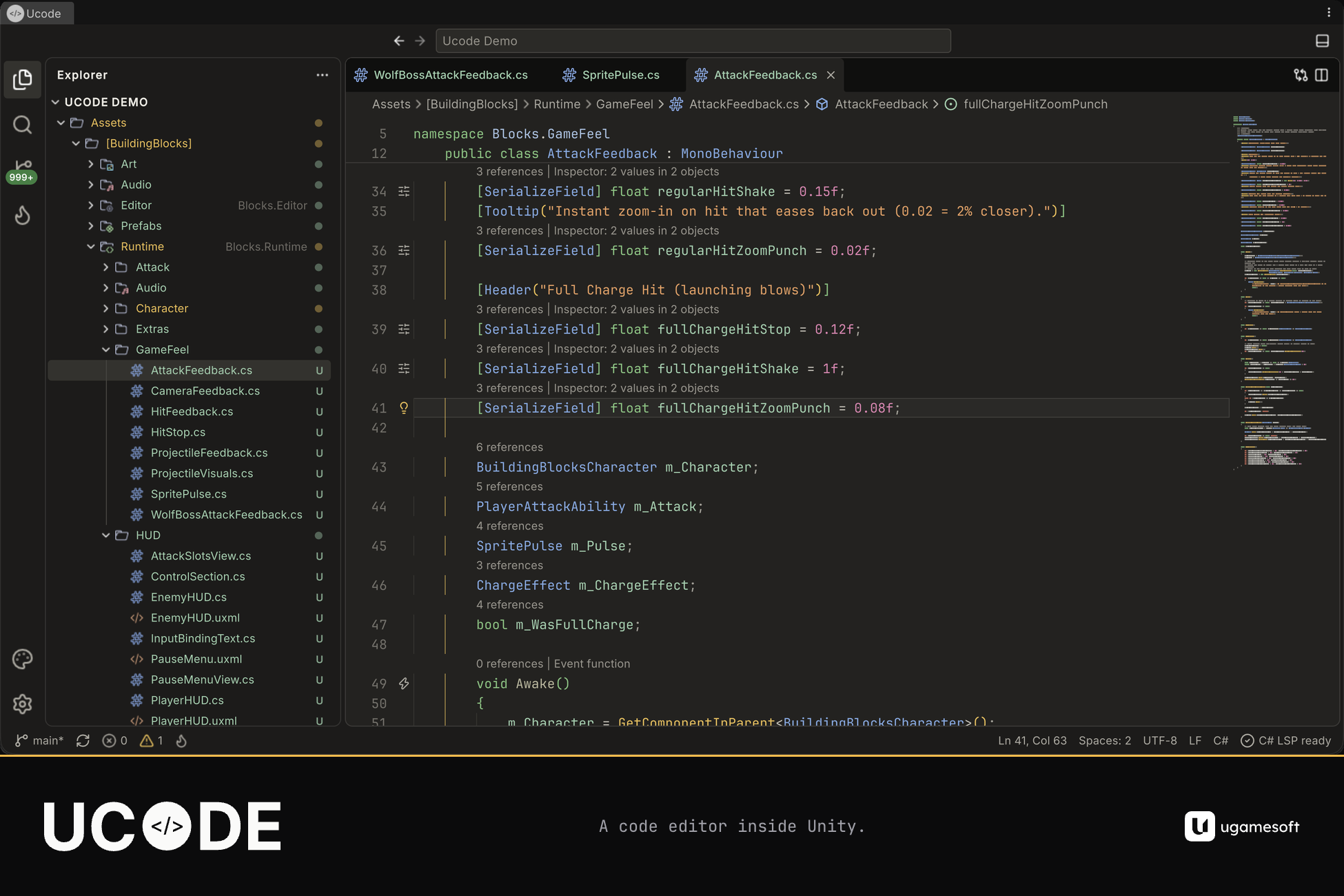
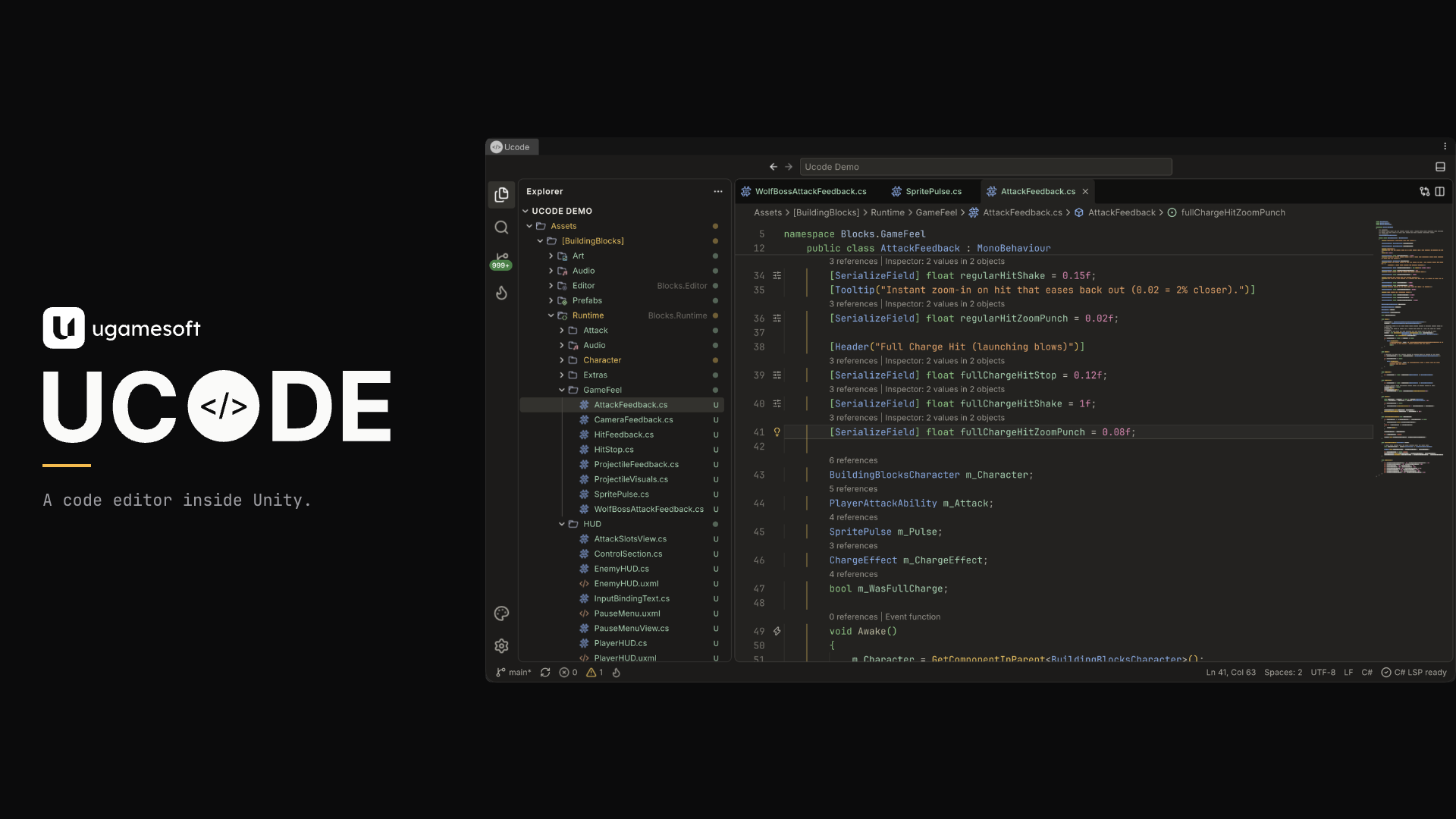
Ucode is a code editor that lives inside the Unity Editor. Open a script and you stay in your project: the same scenes, the same Inspector, the same Play button.
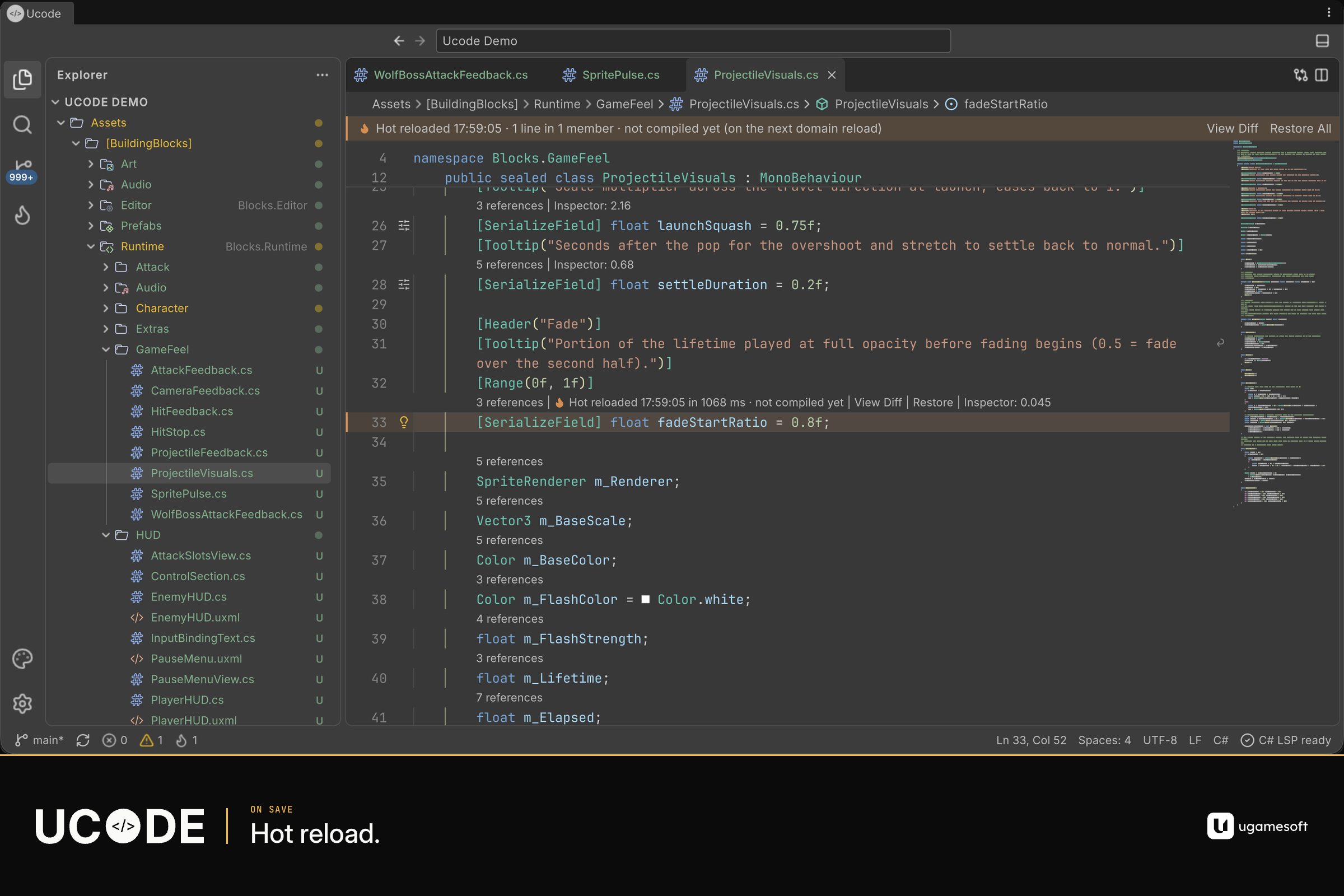
Hot reload on save
Save a C# script and the change applies in the Editor without a domain reload.
- Method bodies, compatible signature changes, and new methods, fields, properties and events all hot reload.
- A changed signature keeps a forwarder, so code compiled against the old signature still calls the new one.
- New tests run immediately. Unity’s Test Runner lists them after the next domain reload.
Some changes still need a domain reload, and Ucode tells you why:
- A new class, including a new MonoBehaviour or ScriptableObject
- A new or removed serialized field, so Unity can show and save it
- A new Unity message, and virtual, override, interface or attributed members
- New extension methods, and new methods or properties of structs
- Static constructors, struct constructors, constructors of generic types, and finalizers
- Burst-compiled code
- A changed asmdef, scripting define or precompiled DLL
Methods rewritten by Netcode, Mirror or Entities code generation need a domain reload; other methods in the same file can still hot reload. Player builds are never patched. Hot reload requires the com.unity.nuget.mono-cecil package.
C# language services
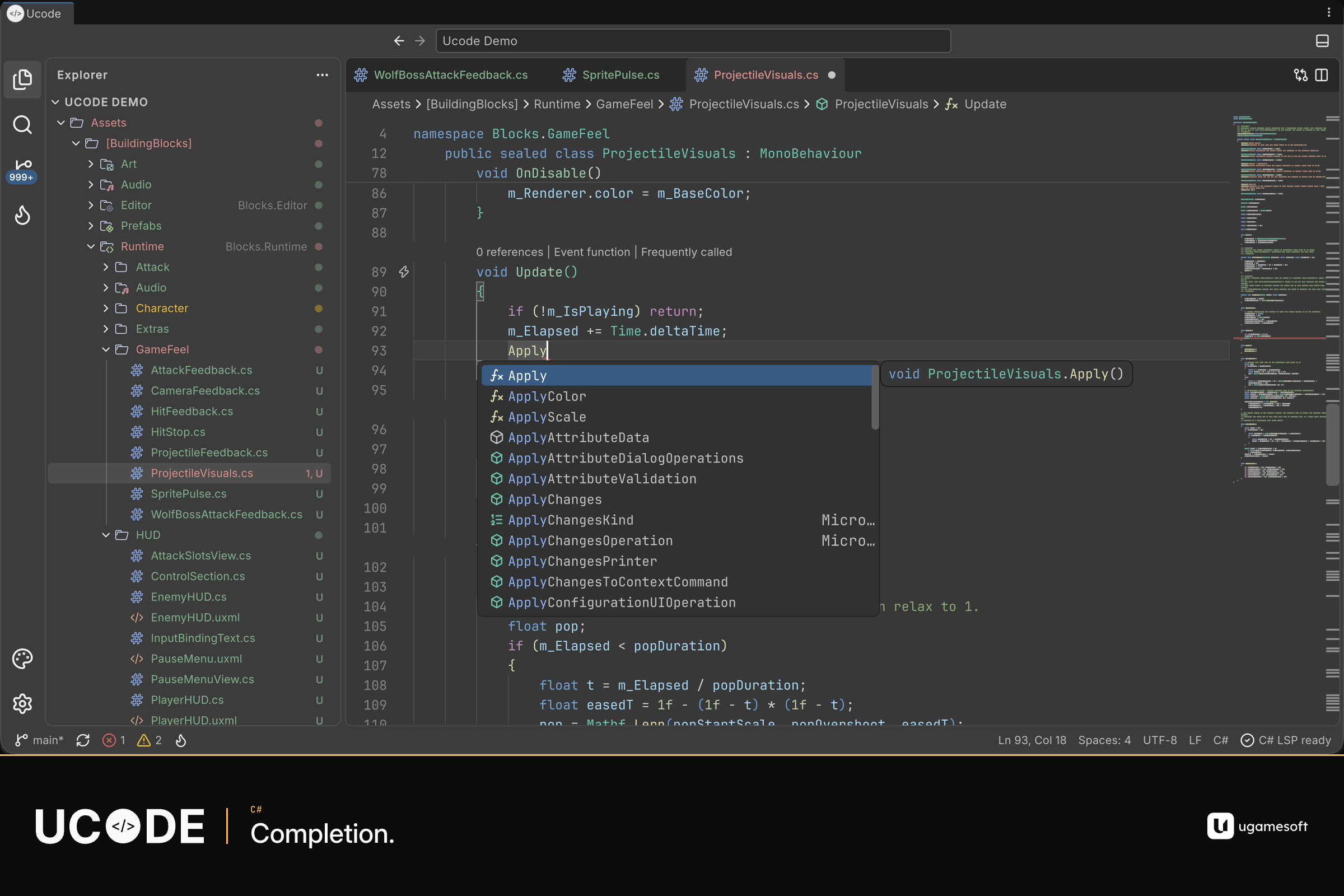
- Completion, signature help, go to definition, find references, rename, quick fixes and formatting
- Call hierarchy and type hierarchy, from Ucode’s compiler engine
- Formatting follows your
.editorconfigwhen the project has one
Setup installs Microsoft’s C# language server (4.12) once, about 60 MB, after you agree. It is cached on your computer and shared by all your Unity installs.
Unity-aware editing
Inspections cover:
- Event-function signatures and serialized-field attributes
- Unity object lifetime, and wrong construction of components and ScriptableObjects
- String-based GetComponent and property lookups, and CompareTag
- Unknown tags, layers, scenes, input axes, animator names, resources and shaders
- Log format strings
- Allocations and other hot-path costs
- Burst restrictions
- Editor API used from runtime code
To silence one, add // ucode-disable-next-line on the line above.
Field lenses show where a value is set in scenes and prefabs, as the Inspector shows it, including edits that aren’t saved yet.
Entities support:
- A fix for a missing
RequireForUpdateonGetSingleton - A fix that generates an authoring component and baker
- DOTS file templates when the Entities package is installed
Structural Search and Replace finds a C# pattern with $placeholders$ across the project’s scripts.
Also in the editor
- Panels: Problems, Output, Console, and TODO (TODO, FIXME and HACK)
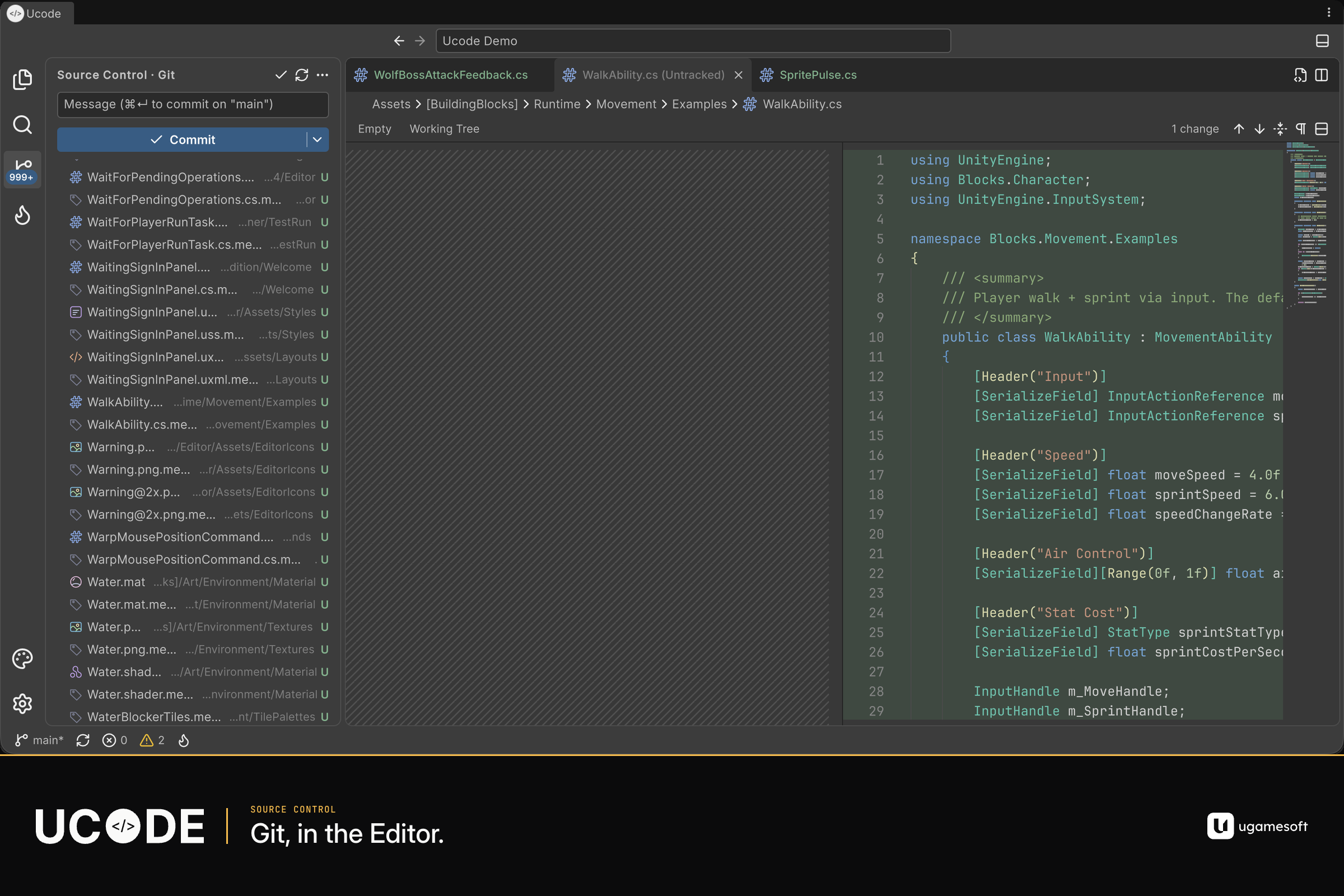
- Git, using the Git installed on your machine: status, diff, stage, commit, amend, undo last commit, push, pull, fetch, publish, checkout, stash and blame
- Explorer: your project’s files
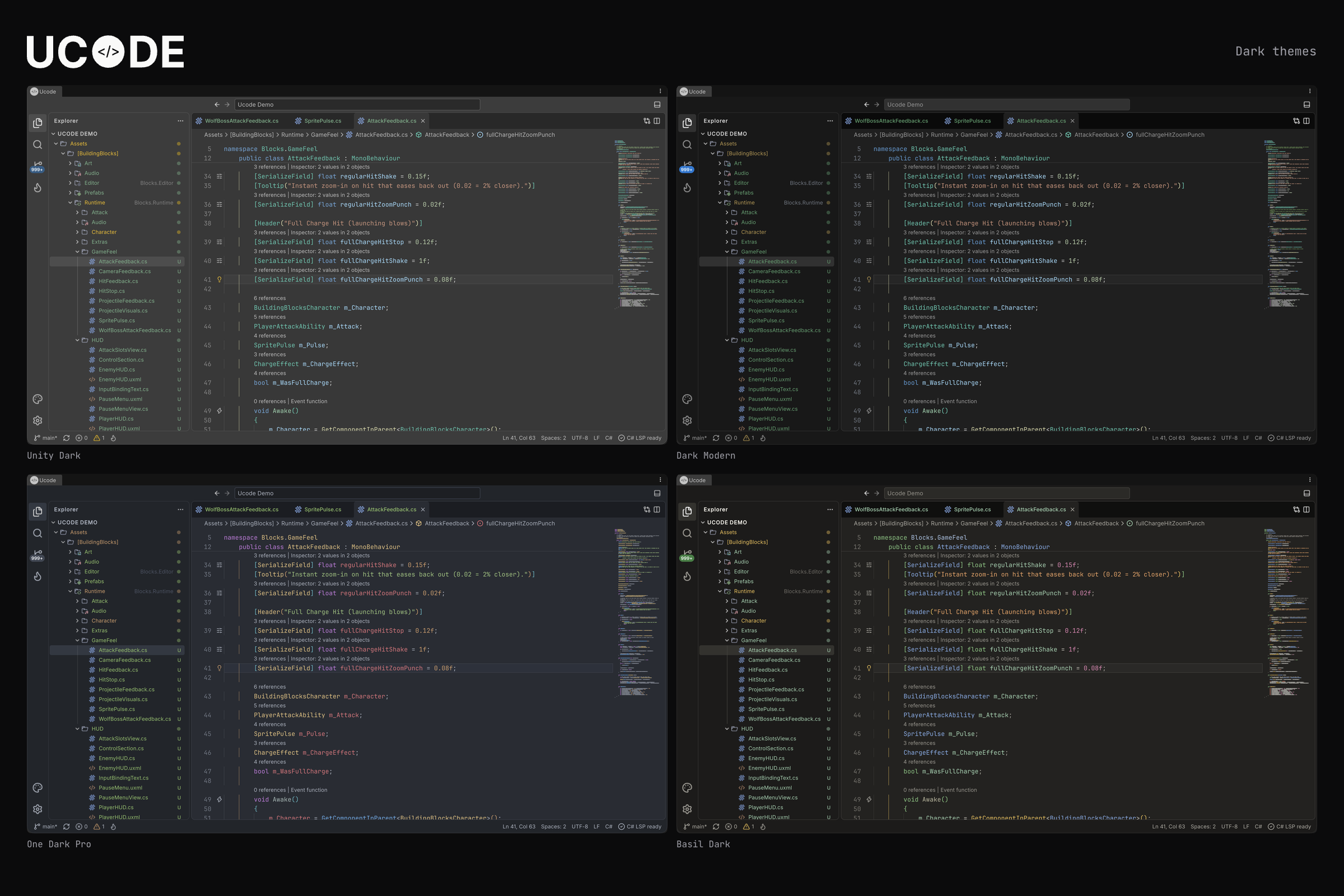
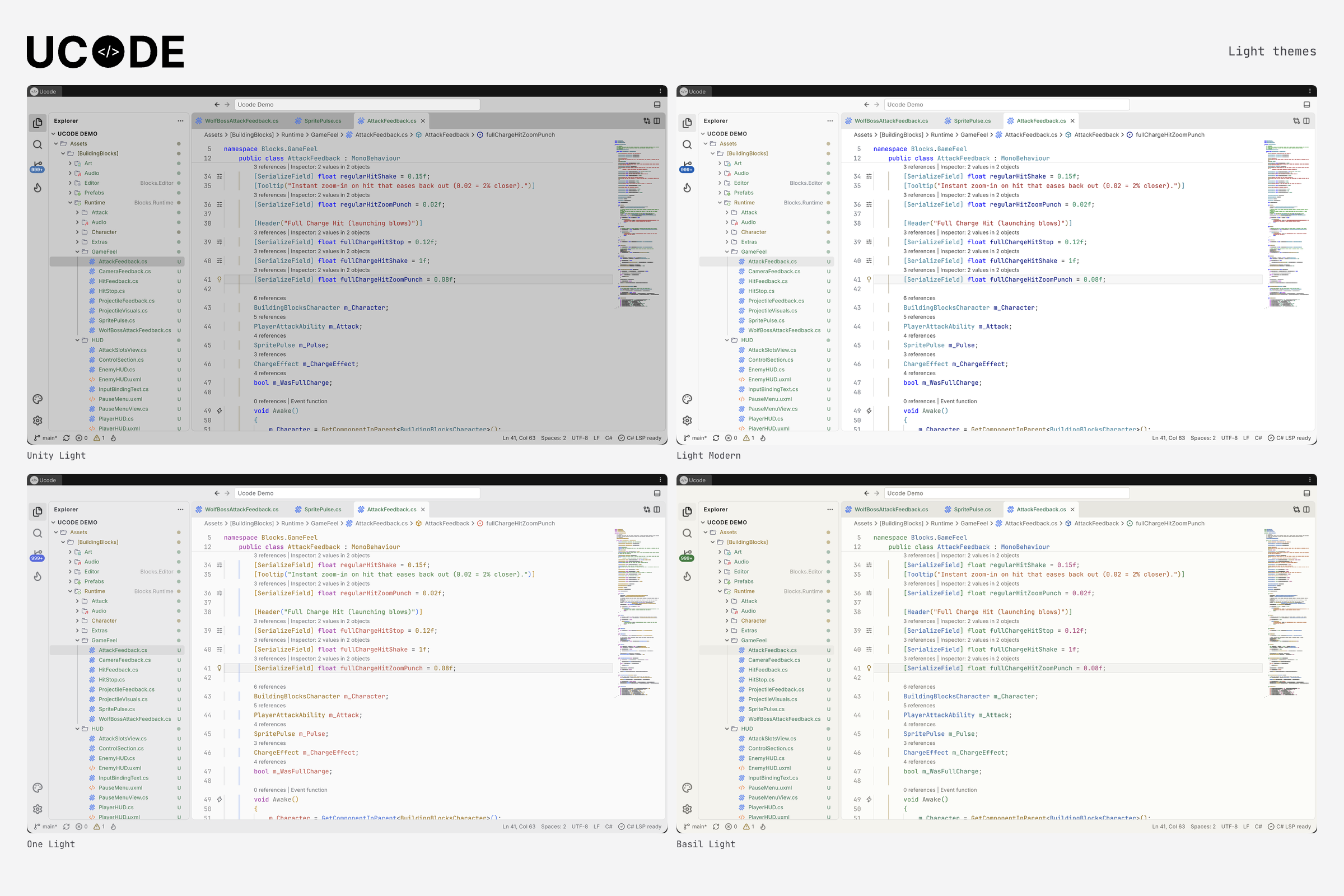
- Eight themes: Unity Dark, Unity Light, Dark Modern, Light Modern, One Dark Pro, One Light, Basil Dark and Basil Light. Add your own JSON theme under
Assets/UcodeThemes. - Keymaps: VSCode (default), Rider / IntelliJ, and Visual Studio
- Import settings and snippets from Visual Studio Code, VS Code Insiders, VSCodium, Cursor, Windsurf, Rider, Visual Studio 2017 and later, and Atom
- Vim keys (off unless you turn them on): Normal, Insert and Visual modes with everyday motions and operators. Registers, macros, marks, text objects and ex commands are not included.
Other languages
ShaderLab, HLSL, GLSL, UXML, USS, JSON, asmdef, YAML, Markdown, JavaScript, TypeScript, Python and several more get highlighting, folding and editing. C# is the language with a language server.
Support
Need help? Email us at support@ugamesoft.dev
When you report a problem, please include your Unity version, your operating system, and a short description of what you did. Please don't send your code or private project details.
You can also ask questions and share feedback on our Discord
Download
Click download now to get access to the following files: